

Contents
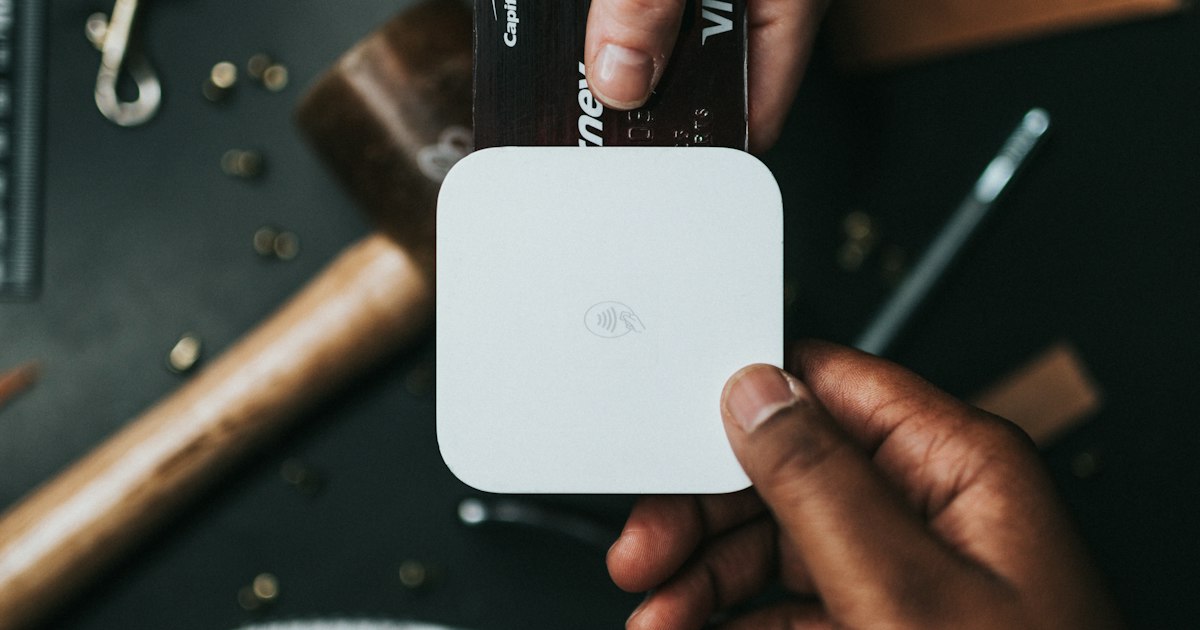
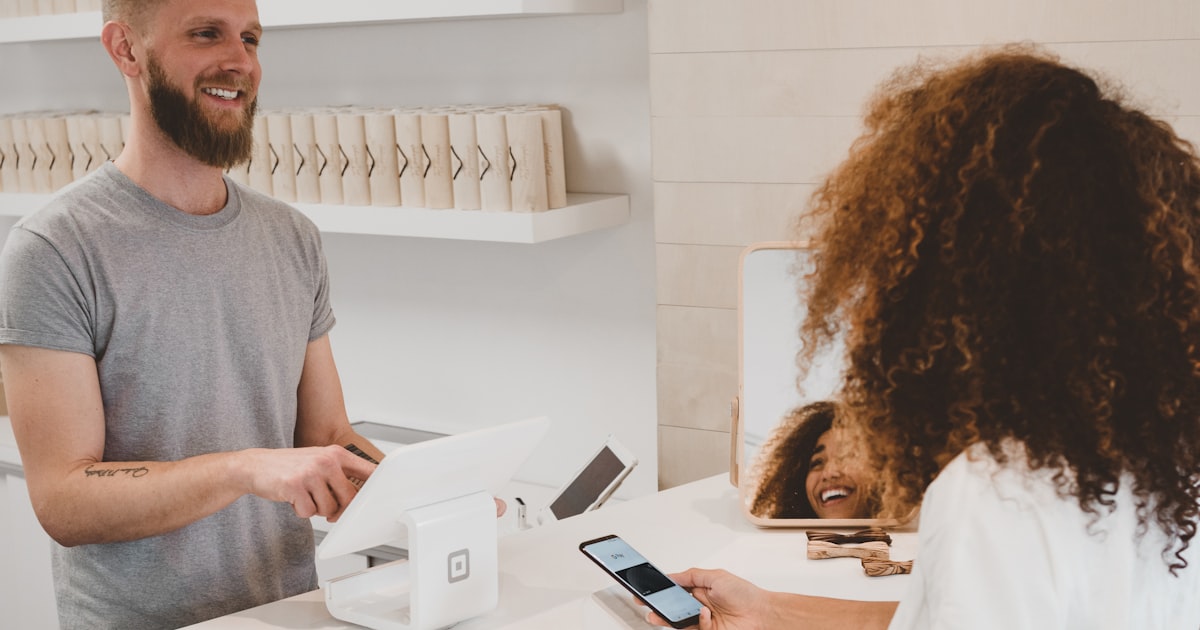
QR code payment in a restaurant or cafe means the guest scans a code on the table or receipt, sees their bill on screen and pays via Apple Pay, Google Pay or card in 10–20 seconds — no waiting for a terminal. The technology is simple; the owner's two key questions are what fee the service charges and whose account the money passes through.
How it works, step by step
- The guest scans the QR code with their phone camera.
- A page opens with the bill — items, total, bill-splitting option.
- The guest pays via Apple Pay / Google Pay / card and can add a tip in one tap.
- Payment is confirmed instantly; staff see the status in the system.
Pros
- Faster table turnover — no waiting for the terminal.
- Easy bill splitting.
- Higher tips (one-tap 5/10/15%).
- Less cash, transparent reporting.
- Staff freed from running the terminal.
Cons
- Service fees: most QR platforms charge 1.3–2% per payment on top of bank acquiring.
- Middleman account: if money passes through the platform's account, payouts can be delayed.
- Depends on the guest's internet connection.
Fees: the two models
| Model | Where money goes | Platform fee | Payout |
|---|---|---|---|
| Via middleman account | Platform's account first | Typically 1.3–2% per bill | Per platform schedule |
| Directly to the venue (UA Pro model) | Your own merchant account | 0% — no platform percentage | Same day |
With direct payments you only pay your bank's acquiring rate. That's how the UA Pro restaurant system works.
Is it safe?
Yes — payments run through a secure banking environment (3-D Secure, Apple/Google Pay tokenisation); card data is never stored. Guests should only scan codes printed by the venue.
How to connect QR payments with 0% platform fee
- Register your venue on UA Pro — free.
- Upload the menu and generate branded table QR codes.
- Connect your own merchant account — money arrives the same day.
- Enable tips and bill splitting, test on one table, then roll out.
You also get a free QR menu with dish photos and per-dish guest ratings.
Frequently asked questions
How do I pay a restaurant bill by QR code?
What fees apply to QR payments in restaurants?
Is paying by QR code safe?
UA Pro for venues
A restaurant, café or bar?
QR menu, ordering from the table, a kitchen display and analytics. Half the price of competitors, 30 days free.